Systems that talk to each other.
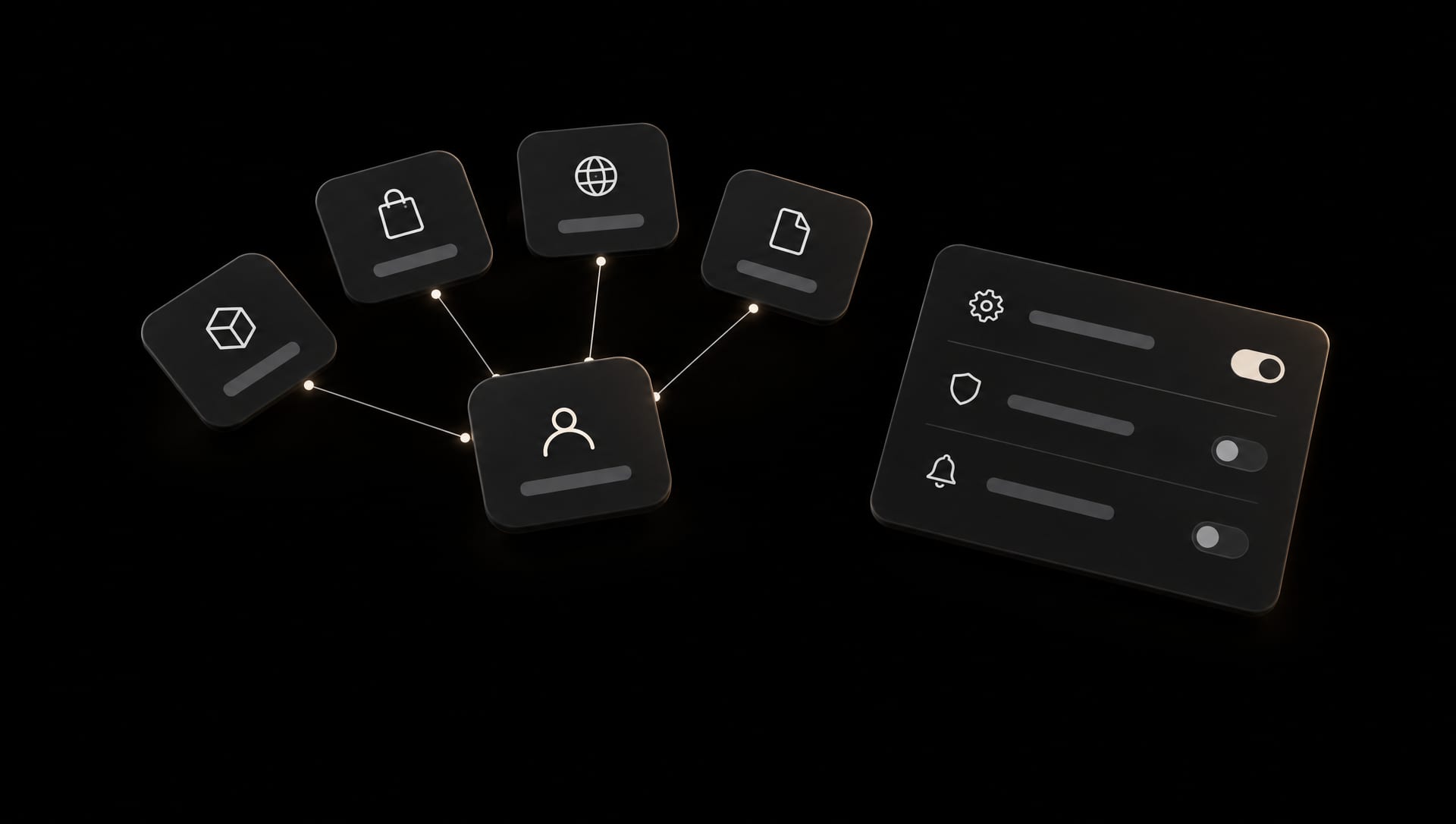
Your CRM, your ERP, your shop, your site and your customer data were never designed together. We join them through clean APIs and small, well-documented middleware, so information moves once and stays right.
How we think about it
Small pipes, clearly labelled.
Big integration platforms fail quietly. We prefer small services that do one thing, log what they did and can be read by the next developer. Every connection gets a contract, a test and an owner. When a system changes, you know within minutes, not when a customer calls.
What we help with
What we connect.
ERP and business systems
Orders, stock, invoices and customers flowing between the site and the system of record.
CRM and customer data
Leads, consent and activity synced to HubSpot, Salesforce or the CRM you already run.
API design and middleware
Clean, versioned APIs and the small services between systems that do not speak the same language.
Sync and automation
Scheduled and event-driven jobs with retries, alerts and a log a person can read.
E-commerce
Shop, payments, shipping and accounting joined up, on Shopify or a custom stack.
Member and booking systems
Logins, memberships and bookings tied to the site, as we built for a Stockholm boat club.
How it runs
Map, connect, watch.
01
Map
A list of systems, owners, data and directions, written up within one working day of the first call.
02
Connect
One integration at a time, tested against real records, documented as it goes.
03
Watch
Monitoring and alerts on every connection, and the people who built it on call.
Questions
Asked before most projects.
Which systems have you integrated?
CRMs, ERPs, e-commerce platforms, payment providers, booking and member systems, and plenty of internal tools with an API and some without one.
What if a system has no API?
There is usually a way: exports, webhooks, a database view or a small adapter. We tell you the trade-offs before building.
Who maintains the integration afterwards?
We can, under the operations and support service, or we hand it over documented and tested.
Can you work with our IT department?
Yes, and we prefer it. We fit their access, security and review rules.
Related work
Where this shows up.


Other things we do
The rest of the studio.
- Web developmentFast, editorial sites on modern stacks, wired to a CMS your team can actually run.Design & build
- DesignWireframes, UI and UX, and the digital concept that holds all of it together.Design & build
- App developmentApps for iOS and Android with a backend that will still make sense in five years.Design & build
- AI-driven solutionsAgents, workflows and content pipelines built around your data, not around a demo.AI, search & systems
- SEO / AEOFound by search engines, and by the AI assistants people now ask instead.AI, search & systems
- Operations & supportHosting, monitoring, updates and support, with a direct line rather than a ticket queue.Run & protect
- SecurityMonitoring, cleanup and backups, so a bad day stays a small one.Run & protect